
GeoRank Media Manager
Real photos of your real business, automatically made light enough for a visitor on a 4G phone.
See it inside the dashboard
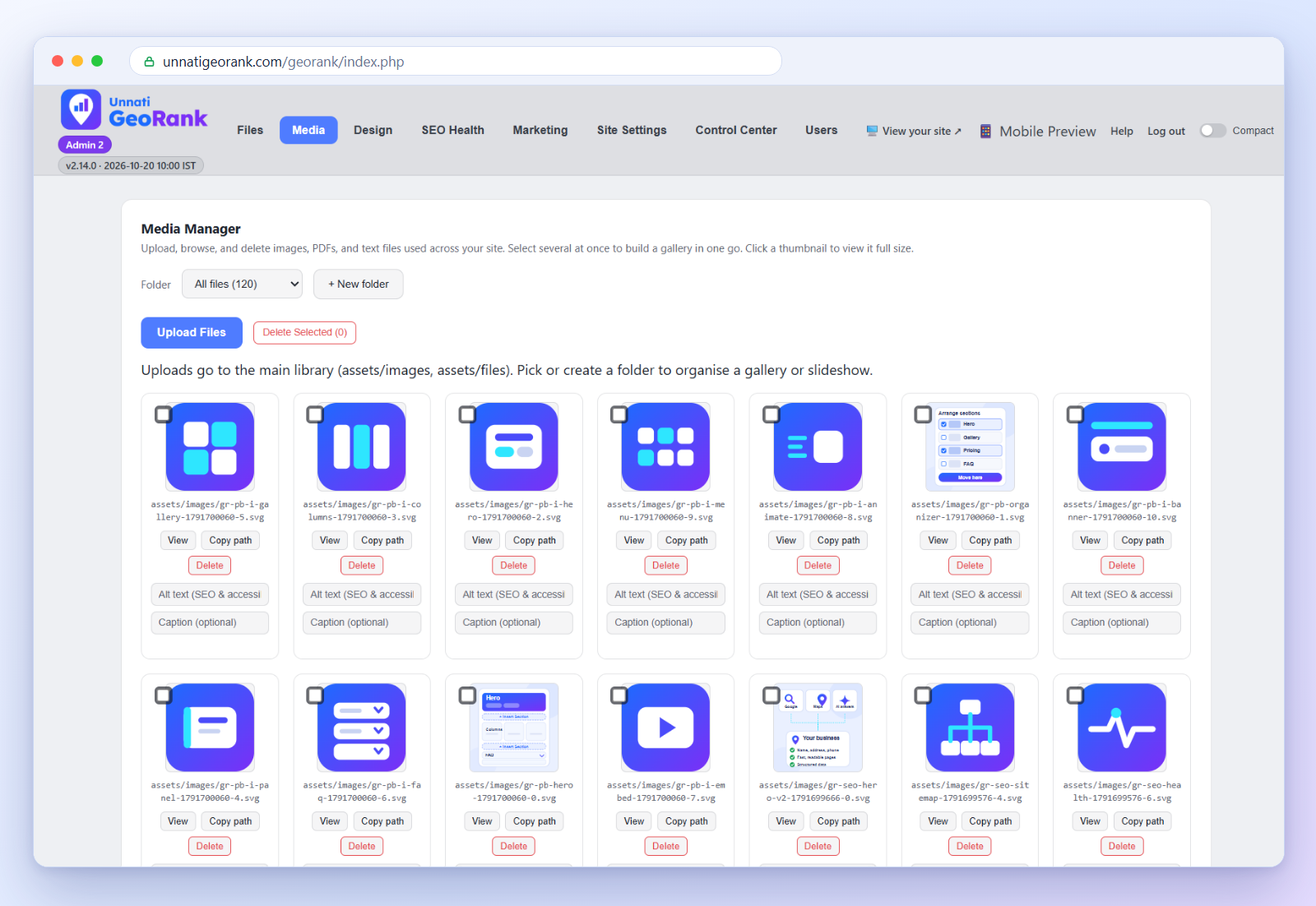
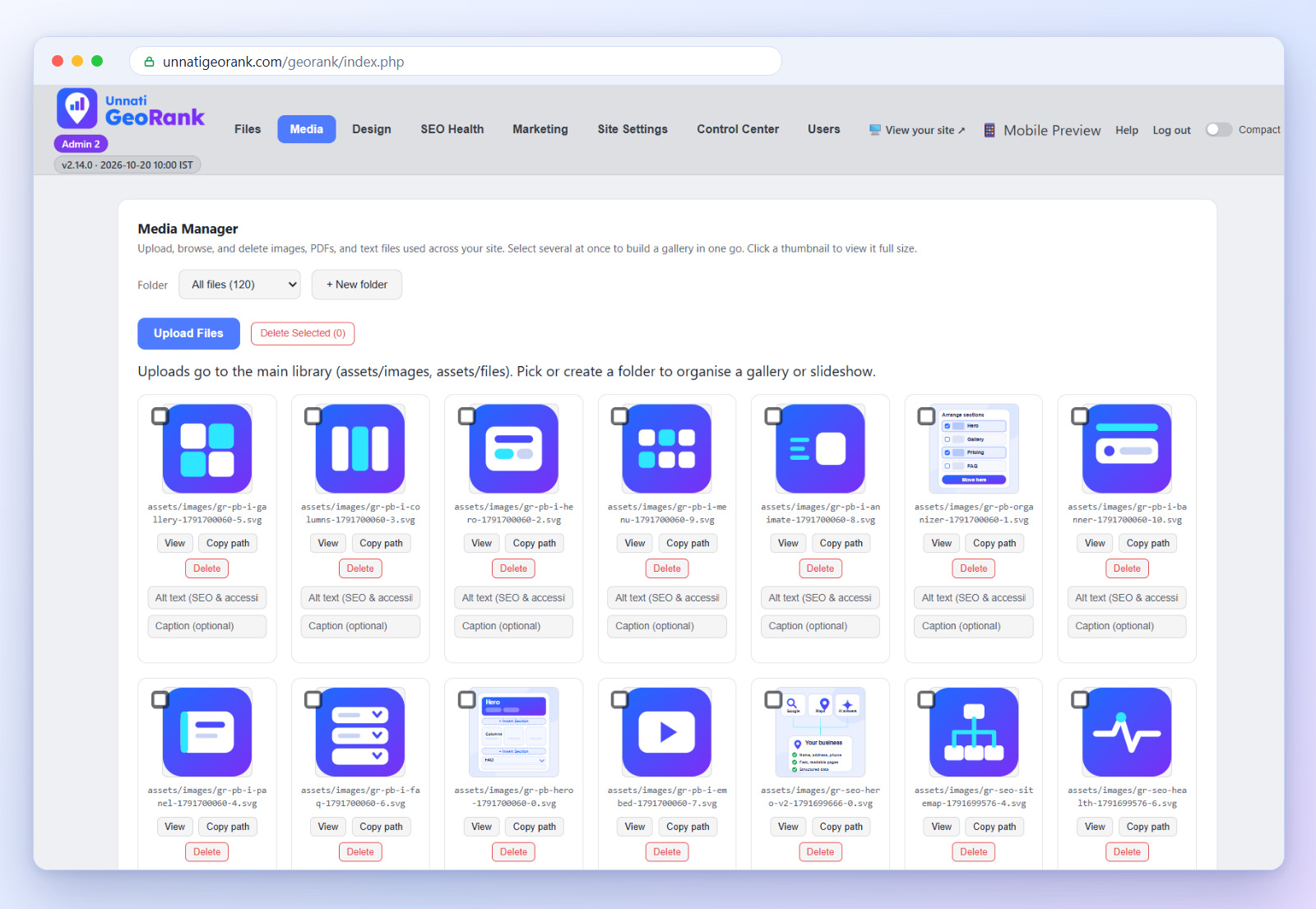
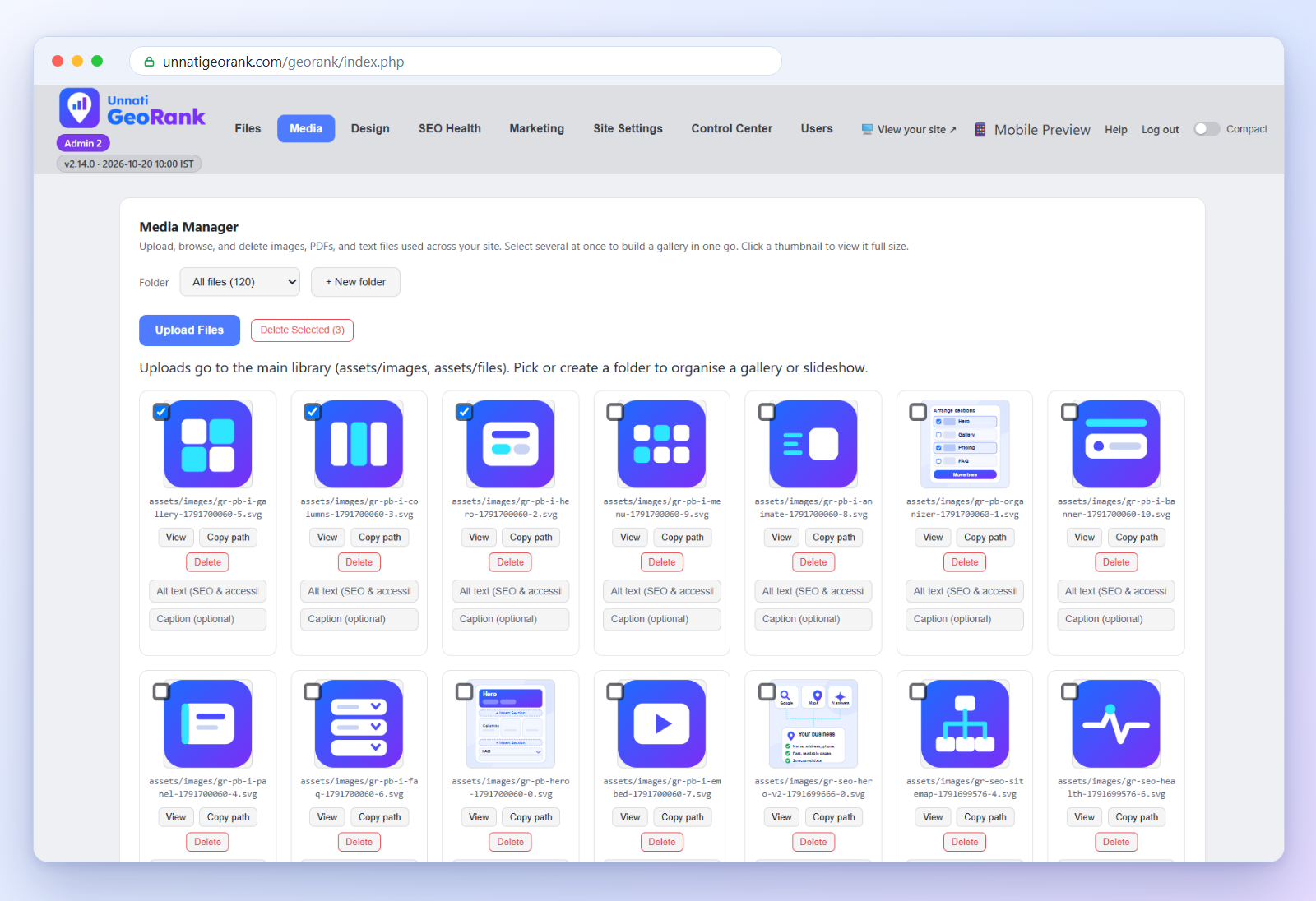
These are real screens from the Unnati GeoRank dashboard that runs this very website: your photo library, the crop and caption tools, selecting several photos at once, and the result on the live page.

Real photos matter
 Show your business as it really is
Unnati GeoRank websites are made for real local businesses to show their real details, and that starts with real photos.
If you run a budget-friendly hotel, please don't post an AI-generated room with a bathtub or a Jacuzzi. Guests notice the difference the moment they arrive, and trust is hard to win back. That's why we encourage every client to share real photos of their own location, both inside and outside.
Phone photos are too big for the web
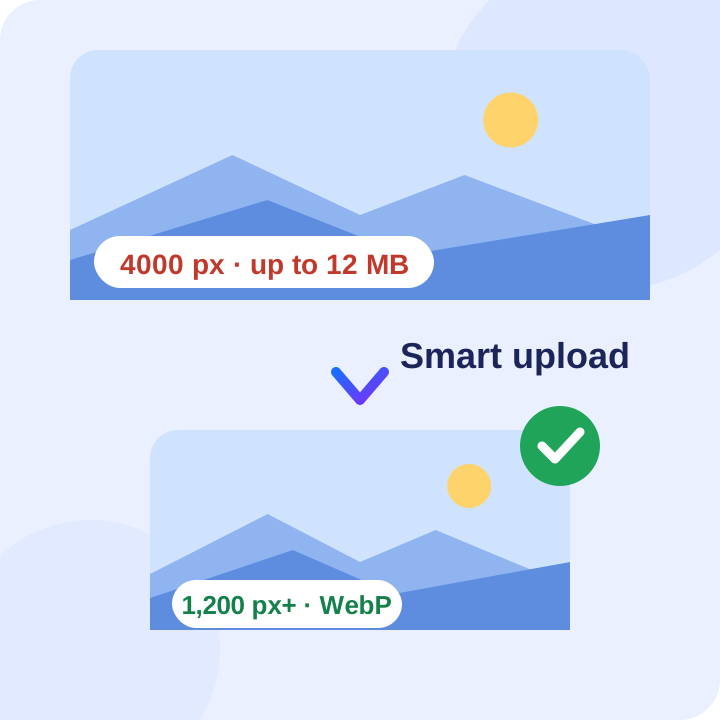
Most phones now save photos around 4,000 pixels wide and 4 to 12 MB in size. That's fine on your phone, but slow for a local visitor on a 4G connection. So we made uploads smart.

Resized automatically
GeoRank resizes your photos to between 1,200 and 1,920 pixels, which is plenty sharp for phones and desktops.

Converted to WebP
Where possible, photos are converted to WebP, a lighter format that loads faster on mobile.

Details kept
Where possible, we keep the original EXIF data, including the geotag (location), the date and the camera make.
We don't store your original photos, so please keep your own copy.
One size, no junk
GeoRank is a responsive, mobile-first website. More than 90% of visitors use a phone, and we make the site look good on a desktop too, using 2 and 3 column flexible layouts. In those small cards, your photos shrink further.
Instead of making several copies of every photo, GeoRank deliberately keeps one mobile-optimised size for all. WordPress typically creates three versions of each photo, and some themes and plugins add even more. Over time, your server fills up with junk pictures. We chose not to do that.
For the details
 A magnifier to look closer
Small photos can reveal far more when they are enlarged, so GeoRank adds a smart magnifier.
Visitors can hover over a photo, or tap it, to look closer at the details that matter, like a menu board, a room or a shop front.
A graphic like the one you see here does not get automatic enlarge feature because it looks sharper even at 250px width.
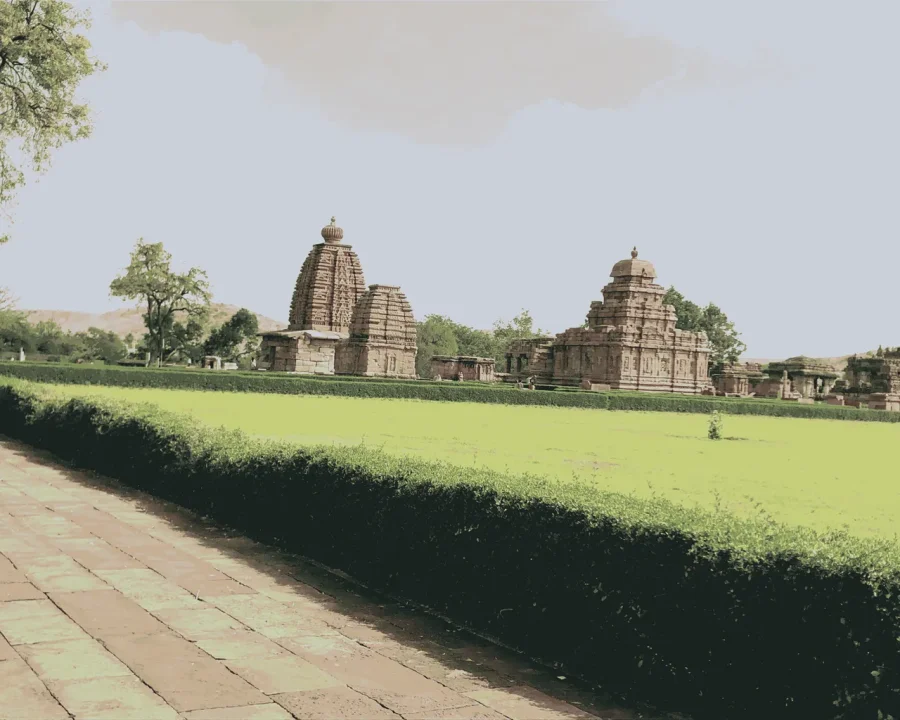
A real photo gets auto enlarge
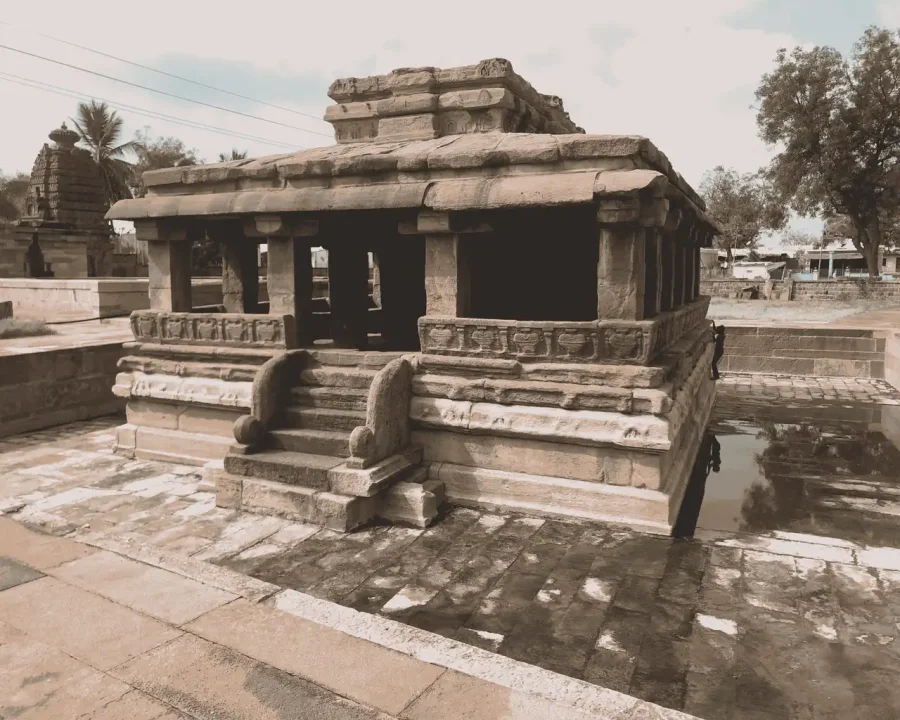
A real photo can reveal more details when enlarged
Handy tools inside
Everything you need to look after your photos, without a separate image editor.

Folders
Keep photos in folders such as gallery, slides or team, and turn a whole folder into a gallery in one click.

Crop in the editor
Crop to Free, 1:1, 4:3, 16:9 or 4:5, or trim white edges automatically. The original stays in your library.

Quick preview
Open any image, PDF or text file in a preview without leaving the page.

Upload rules
Choose which formats are accepted and set size limits, so a mistyped value can't overload your server.
Common questions
Will resizing make my photos look blurry?
No. 1,200 to 1,980 pixels is sharp on phones and desktops, and far lighter than a 4,000-pixel original.
Do you keep my original photos?
No. GeoRank resizes photos when you upload them and doesn't store the originals, so keep your own copy.
Is my photo's location kept?
Where possible, yes. We keep the original EXIF data, including the geotag. If you would rather not share the location of a photo, switch off location tagging in your phone camera before you take it.
Why do you keep only one size of each photo?
Because extra copies only fill your server with files nobody uses. One mobile-optimised size is fast, simple and tidy.
Want to see what else is built in?
See what is included in every GeoRank website, or read how our 3-stage process works. Questions? Message us on WhatsApp any time.