Panels and CTA buttons in the GeoRank blog editor
Exclusive GeoRank JotKite Blog Feature
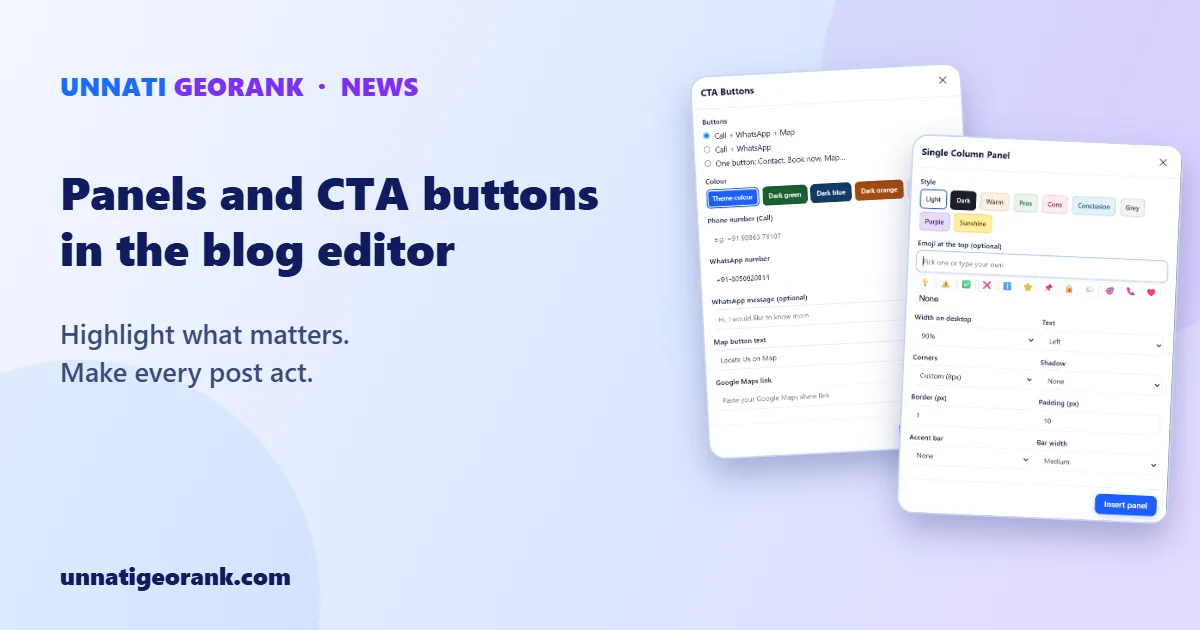
The blog that runs alongside your GeoRank website (powered by Unnati JotKite) has two tools that make a post do more than inform: multi-purpose Single Column Panels and CTA Buttons. You can find both in the editor toolbar, next to headings, lists, images and video. This very post uses a panel.
Panels: highlight what matters
A panel is a card that makes one part of a post stand out: a summary, an offer, a list of pros and cons, or a conclusion.
Pick one of nine ready-made styles: Light, Dark, Warm, Pros, Cons, Conclusion, Grey, Purple and Sunshine. Then add an emoji at the top and choose the width, text alignment, corners, shadow, border, padding, and an accent bar on any side.
CTA Buttons: one tap to call, message or find you
A reader who has finished your post is the best moment to ask them to act. CTA Buttons add large, tappable buttons at the end of a post, in three layouts:
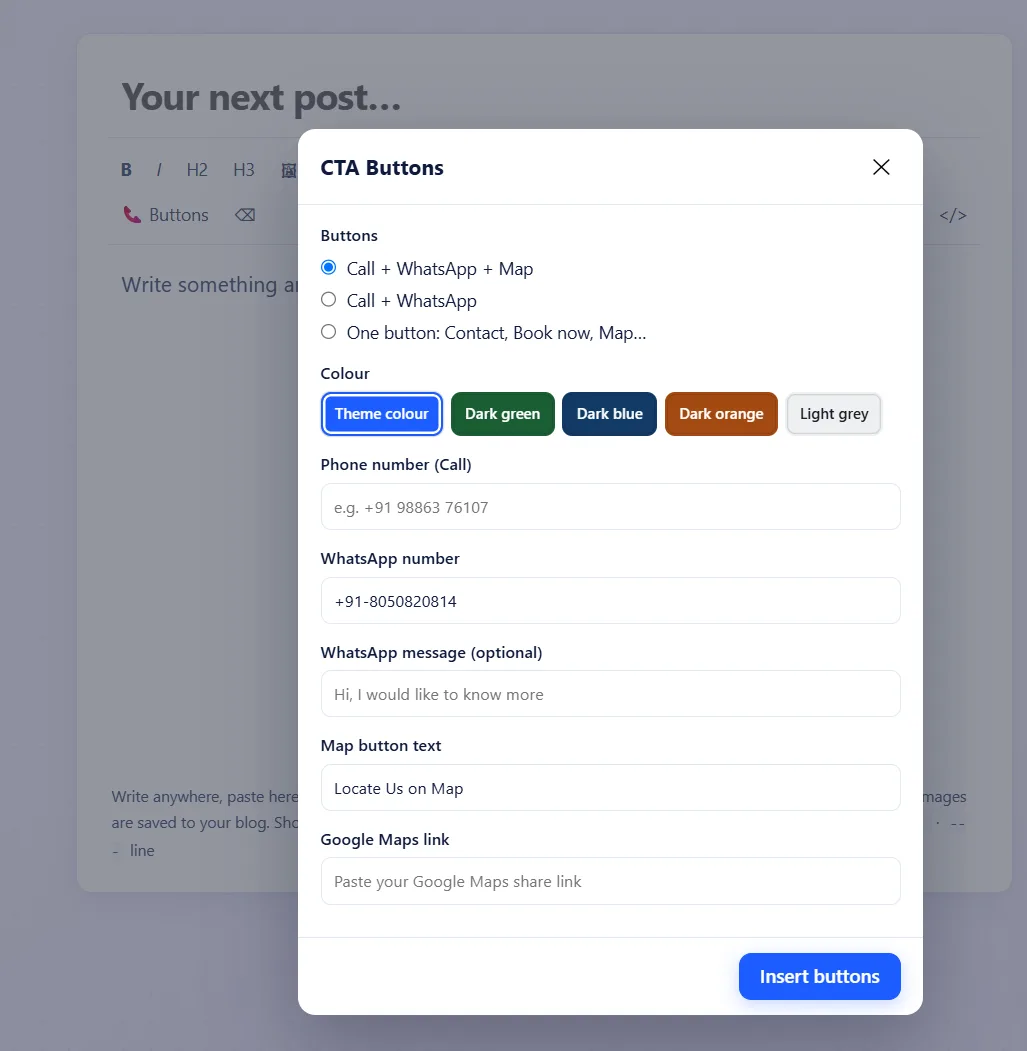
- Call, WhatsApp and Map
- Call and WhatsApp
- One button, such as Contact, Book now or Map
Choose a colour (your theme colour, dark green, dark blue, dark orange or light grey), then add your phone number, your WhatsApp number with an optional ready-typed message, and a Google Maps link with your own button text, such as "Locate Us on Map".
Why it matters for a local business
Most readers will open your post on a phone. A call or WhatsApp button turns an interested reader into an enquiry in one tap, with no copying a number from the text.
Want to see what else is built into every GeoRank website? See what is included, or read about the local SEO built into every GeoRank site.
Questions about adding a blog to your website? Message us on WhatsApp.